How to Get More Rooms in Temple PoE2
A practical way to tell whether you need more room space, another Temple attempt, an available placement, or a resource the game tracks separately.
About the editorial team
PoE2 Temple Planner Editorial Team
Editorial team
The PoE2 Temple Planner editorial team builds practical guides from the planner's room and route data, in-game terminology, and linked official patch notes.
Editorial standard
Resource names and limits can change with patches. This guide explains how to diagnose the counter you see and avoids presenting an unverified room or crystal cap as current fact.
On this page
The short version
There is no single action called 'get more rooms' that fixes every Temple limit. First identify whether the game is limiting room slots, a run or attempt, a resource balance, or a legal placement. Then use the counter and message shown by the Temple Console to choose the relevant next step.
Fast answer: how do you get more rooms in Temple PoE2?
Start by reading the exact counter or placement message. A full layout, a depleted entry resource, and a blocked connection are different problems; spending a resource or resetting a Temple without identifying the problem may not create another room slot.
| What you see | What it may mean | Check first |
|---|---|---|
| No empty room position | The layout is full or the selected position is unavailable | Inspect the grid and any room-specific placement rules. |
| A run or entry action is unavailable | An attempt or entry resource may be exhausted | Read the exact counter on the Console and the current in-game help. |
| A room card will not fit | Its connection, state, or placement requirement may fail | Check neighboring rooms, route access, and the error message. |
| A resource balance is empty | You may be looking at a separate stored or spendable resource | Identify the resource name before farming or spending anything. |
What players mean by 'more rooms' in PoE2 Temple
When someone asks how to get more rooms in Temple PoE2, they may be describing several different screens. They might want more spaces in the layout, more room choices before committing, another run through a Temple, or a way to open a room that already appears on the map. Those goals sound similar, but they are controlled by different rules. A guide that treats them as one counter can send you toward an upgrade that does not solve the problem.
Start with the exact Temple Console wording. Note whether it names a room, position, entry, charge, crystal, or Medallion. Read the panel's hover text rather than guessing from an icon or advice for an older patch.
Separate room space, attempts, and Energised Crystals
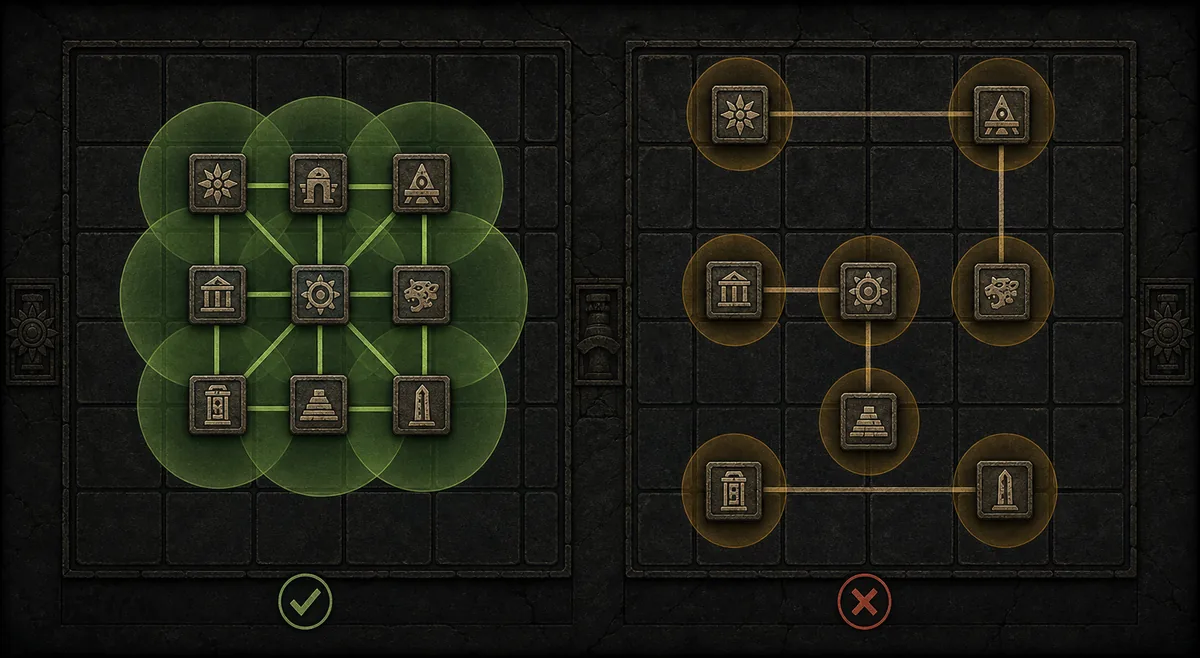
Room space describes the positions available in the current Temple layout. It is about the map itself: which positions are occupied, open, blocked, or reachable under the placement rules. A full grid is not the same as a lack of entry attempts, and it does not automatically mean you need more Energised Crystals. The layout is the first place to look when the game says there is nowhere to put a room.
Attempts or charges describe an action the game lets you perform, such as entering or activating a run. They do not necessarily represent extra squares. If the Console says an action is unavailable, read its resource label and current requirement. Do not assume that earning a room choice will also replenish an entry counter, or that using a reset will extend the grid.
Energised Crystals are a named resource, so keep their displayed balance and use separate from room positions. Medallions support their own Temple decisions; they are not a room-slot counter. Recheck the live interface and current patch notes when an update changes a resource label.
| Term on screen | Question to ask | Do not assume |
|---|---|---|
| Room / position | Is the layout full, blocked, or disconnected? | A larger resource balance creates another grid space. |
| Charge / attempt / entry | Which action does this counter pay for? | One charge equals one extra room. |
| Energised Crystal | Is the game showing a balance, cost, or capacity? | A fixed cap or earning method not stated in the current UI. |
| Medallion | Which room or decision does this item affect? | Medallion storage equals room capacity. |
How to find the Temple limit you have actually reached
- Open the Temple Console and copy the exact wording of the counter or error. Avoid summarizing it as 'no more rooms' until you know what the label says.
- Look at the layout. Count occupied positions only if the interface exposes a room total; otherwise inspect the empty cells and the position the game rejected.
- Check whether the rejected position is connected to the entrance or a valid neighboring room. A room can be unavailable because of path rules even when the grid still has empty space.
- Read the named resource and the action it pays for. Compare the displayed balance with the displayed cost instead of inferring a cost from another player's older layout.
- Only then choose a remedy: change the route, use an eligible resource, finish or leave the current state, or consult the current patch notes if the wording changed.
Note the room type, rejected position, nearby rooms, and full error. If placement still fails after a route change, these details help separate a connection rule from a real cap or a reproducible bug.
When a room will not place, do not call it a room cap yet
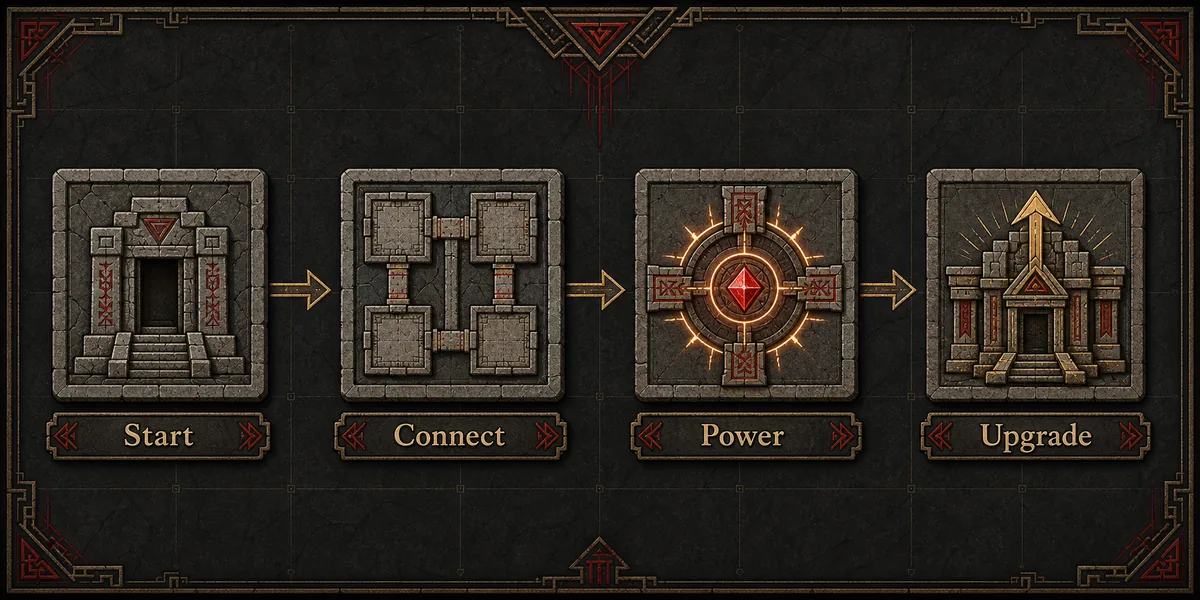
A rejected placement may need a legal neighbor, an open connection, a valid route, or a Temple state that allows placement. Test a clearly legal position and compare the error: if one position works and another does not, check route or adjacency rules before assuming a global room limit.
Examples: choose the next step from the symptom
| Situation | Likely category | Useful next step |
|---|---|---|
| The grid is full, but your entry counter is available | Layout space | Review low-priority branches; do not spend entry resources expecting extra cells. |
| The layout has open cells, but one room refuses placement | Placement rule or route | Read the exact error and test a different legal connection. |
Shortcuts that do not reliably add Temple rooms
Do not treat a Medallion or a Temple reset as a confirmed expansion token. Check the item's description and the reset guide before changing a live Temple state.
- Read an item's description before spending it.
- Do not assume an empty-looking square is a legal position.
- Do not confuse extra room choices with extra room slots.
- Do not claim a fixed crystal cap without current in-game or official confirmation.
Read the Temple reset guide
Check which state a reset changes and how to handle blocked rooms.
Review Medallion slots and usage
Keep Medallion storage separate from room space and other resources.
Use the Temple room cheat sheet
Look up room effects, tiers, and connection details.
Plan a connected Temple layout
Test a route and compare room placements before committing.
Frequently asked questions
Sources and further reading
Use the live game interface for your current counter. These links provide context for related mechanics and version-sensitive wording.
- PoE2 Temple reset guide - How to distinguish a reset or blocked-room issue from a layout-cap question.
- PoE2 Medallion slots guide - Medallion storage, use timing, and placement guidance.
- PoE2 Temple Planner - Test room connections and layout routes in the planner.
How this guide was prepared
PoE2 Temple Planner Editorial Team
The guide separates layout space, entry actions, and named resources so that readers can diagnose the counter shown in their own game. It avoids inventing a fixed room or crystal maximum where the available evidence does not verify one.
Check the room before spending a resource
Use the cheat sheet for room rules, then test a connected layout in the planner before making a costly change in game.